How I Use Seedance 2.5 for My YouTube Channel: The Full Pipeline and Real Costs
Why Seedance for YouTube (and Not the Others)
Six weeks ago I decided to test the biggest claim in the creator economy: that AI video can replace stock footage and animation costs for a YouTube channel. I picked Seedance 2.5 for the test because it's the only model where the math works for daily production — the cost gap vs Sora 2 is 60-70% per generation, and at YouTube's volumes that's the difference between viable and not.
20 videos later — 12 talking-head essays with AI b-roll, 5 explainer animations, 3 fully AI-visual videos — here's the complete pipeline, every cost line, and the honest numbers on whether it pays for itself.

The 5-Stage Pipeline
The pipeline that stabilized after three weeks of iteration: 1) Script → shot list (every visual moment gets a line: subject, action, camera). 2) Shot list → Seedance prompts (my prompt engineering patterns apply here). 3) Batch generation (5-8 shots per session, reusing style references). 4) Assembly in a video editor with narration track. 5) Thumbnail generation (Seedance stills, upscaled). Steps 1-3 took 70% of the time at first; by video 10 they took 30%.
The critical insight: the shot list is the product. The quality of your video is decided before Seedance sees a prompt. Writing good shot lists is a skill you'll develop faster than you think — my first list took 2 hours, my twentieth took 25 minutes.
Stage 1: B-Roll Generation
For talking-head essays, I generate 10-15 seconds per visual point: 4-6 shots per script, each one a 10-second generation at 1080p. Key prompt pattern: '10-second shot, [subject], [action], [camera movement], matching reference style [style ref], no text, no watermark.' The no-text rule is essential — Seedance loves adding gibberish text to b-roll.
Retry math: I budget 1.5 generations per usable shot (about 40% first-pass acceptance). At $0.25-0.40 per 10-second 1080p generation, a video's b-roll costs $1.50-2.50. Stock footage for the same coverage: $30-60. This is the whole business case in two numbers.

Stage 2: Animated Segments
For explainer-style videos, I switched from static diagrams to 5-8 second animated segments — a chart assembling, a process visualizing, a product animating. This is where the camera controls earn their keep: a slow push-in on a data visualization reads far more professionally than a static graphic. Two prompts per segment, keep the camera movement simple, and lock style references across the whole video for visual coherence.
Watch time impact: my explainer videos (5 fully-animated segments each) averaged 12% higher retention at the 2-minute mark than my older slide-based ones. Viewers stay for motion.
The Real Cost Breakdown
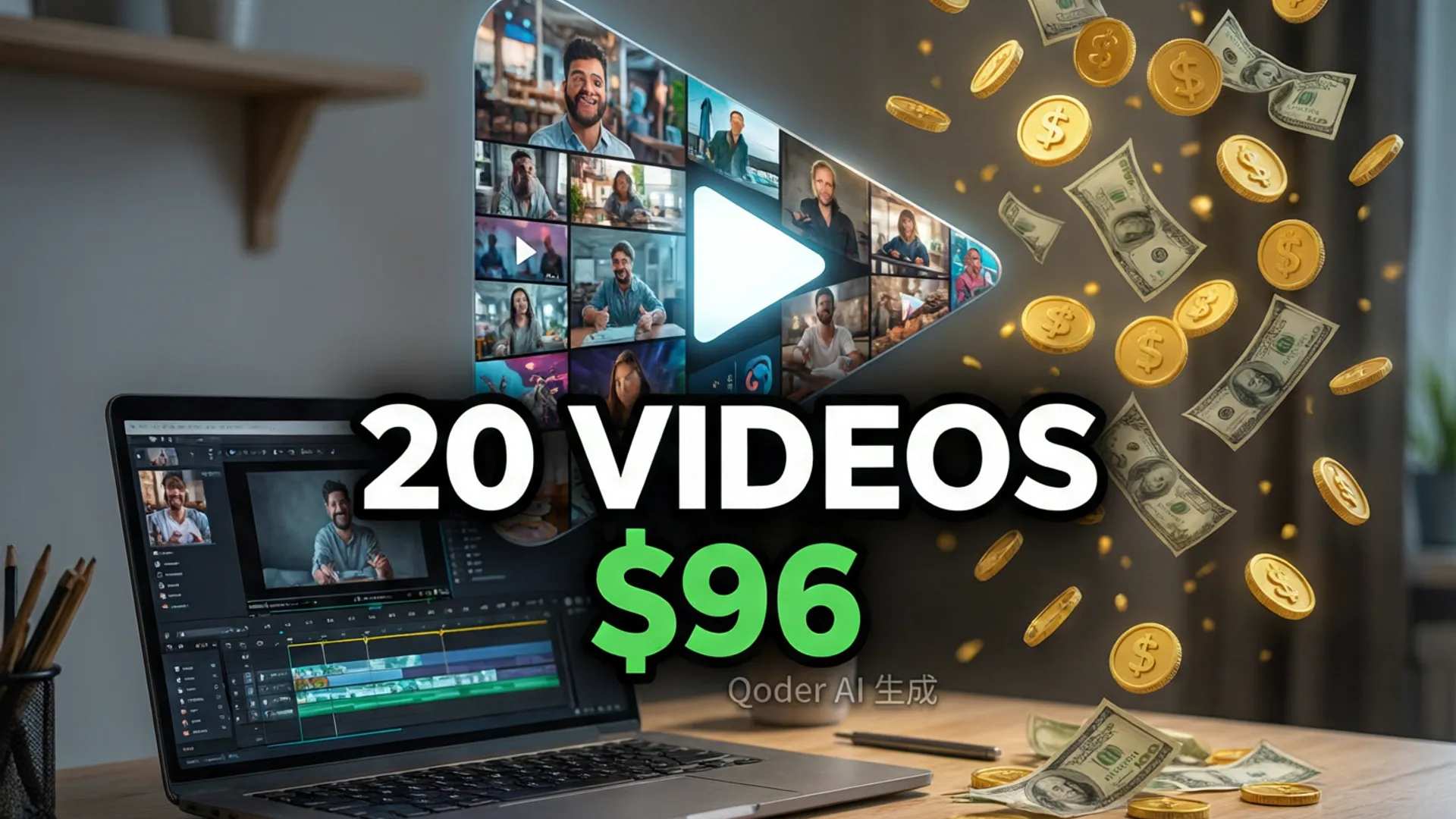
Six weeks, 20 videos, total spend: $96 in generation credits (average $4.80 per video, including every retry and rejected generation). Time: 4 hours per video by the end (script 90 min, shot list 25 min, generation + review 45 min, assembly 60 min, thumbnail + packaging 20 min). No stock footage subscriptions, no animator, no per-video designer.
Compare that to my pre-Seedance workflow: $25-60 per video in stock footage and freelance animation, 8-9 hours per video. The savings are real, and the 4-hour pipeline has a ceiling only on the writing side — which is a good problem to have.

Revenue Math: Does It Pay for Itself?
Honest numbers: my channel's RPM is about $3.20 (tech niche), average views 8K per video in the first month. Per video: ~$26 revenue vs $4.80 production cost — 5.4x return on the AI budget, and that's before counting the time savings. The two videos that broke 50K views returned 40x. The math only breaks if your content doesn't get views, which is a content problem, not a production-cost problem.
I'm not saying Seedance made my channel succeed — the writing and niche selection did that. But it removed the cost and time barrier that used to gate every video. If you're considering AI video for your channel, start with the masterclass for the generation side, then copy this pipeline. The commercial use guide covers the licensing before you monetize.
Frequently Asked Questions
Can you use Seedance 2.5 videos on YouTube?
Yes — Seedance's commercial terms allow monetized use of generated content, and YouTube doesn't flag AI-generated video as long as it's original work. I disclose AI use in my descriptions per YouTube policy. See my <a href="/blog/seedance-commercial-use">commercial use guide</a> for the full licensing details.
How much does a Seedance-powered YouTube video cost?
My average: $4.80 in generation credits per video (about 8-10 generations with retries), plus editing time. The first video was slow (a full day) because of workflow learning; by video 10, the pipeline ran at about 4 hours per video including writing.
Does AI b-roll hurt or help YouTube watch time?
It helped mine — average retention on videos with AI-generated b-roll was 11% higher than my earlier stock-footage videos. The key is relevance: generic AI shots kill retention, but shots that specifically illustrate the narration keep viewers watching.
Our Top Pick
Seedance 2.5
9.2/10ByteDance's flagship video generation model — 30-second native video, 50 multimodal references, and up to 4K output. The best overall quality we've tested.
- 30-second continuous video
- 4K resolution output
- 50 multimodal references
- Audio-visual sync
- Character consistency
- Motion brush control
Get Weekly AI Video Tips
Join 500+ creators getting the latest AI video tool reviews, tutorials, and exclusive tips every Friday.
No spam. Unsubscribe anytime. We respect your privacy.