Seedance 2.5 Slow Motion: 240fps-Style Shots Without a High-Speed Camera
Pros & Cons
Pros
- Convincing high-speed-camera look when prompted correctly
- Physics-accurate particle and fluid behavior at slow speeds
- Believable motion blur built into generation
- Works across action, nature, and product shots
Cons
- Extreme slow motion (below ~25% speed) goes floaty
- No explicit speed control parameter
- Complex scenes (crowds, traffic) break coherence at slow speeds
- Framerate detail (240fps) is visual language, not actual capture
Why Slow Motion Is Hard for AI Video
Slow motion is the most requested effect in commercial video — sports, beauty products, food, automotive, every category wants it. And it's brutally hard for AI video models, because the training data is overwhelmingly real-time footage. Ask most models for slow motion and you get one of two tells: either the motion is right but the physics are wrong (water behaves like syrup, hair floats), or the physics are right but it looks like the video was just played back at 30% speed with frame-blending artifacts. Seedance 2.5 is the first model I've tested that consistently produces the look of real high-speed capture — and the difference is in how it handles physics at slow speeds, not just the timing.

The 30-Prompt Test
I ran 30 slow-motion prompts in four buckets: liquids (water splash, pouring coffee, a wave, rain on a window), action (a runner, a tennis serve, a dancer, a skateboard trick), nature (a bird taking off, leaves falling, a horse galloping), and product (a watch rotating, fabric draping, perfume spray). Every prompt used the same core pattern — the moment, 'in slow motion', a speed reference — and I varied one element at a time to isolate what matters.
Scoring on three axes: slow-motion plausibility (does it look like real high-speed footage), physics accuracy (do droplets, particles, and fabric behave correctly), and stability (no morphing or distortion at the slowed speed).
What Works: Water, Hair, Fabric, Action
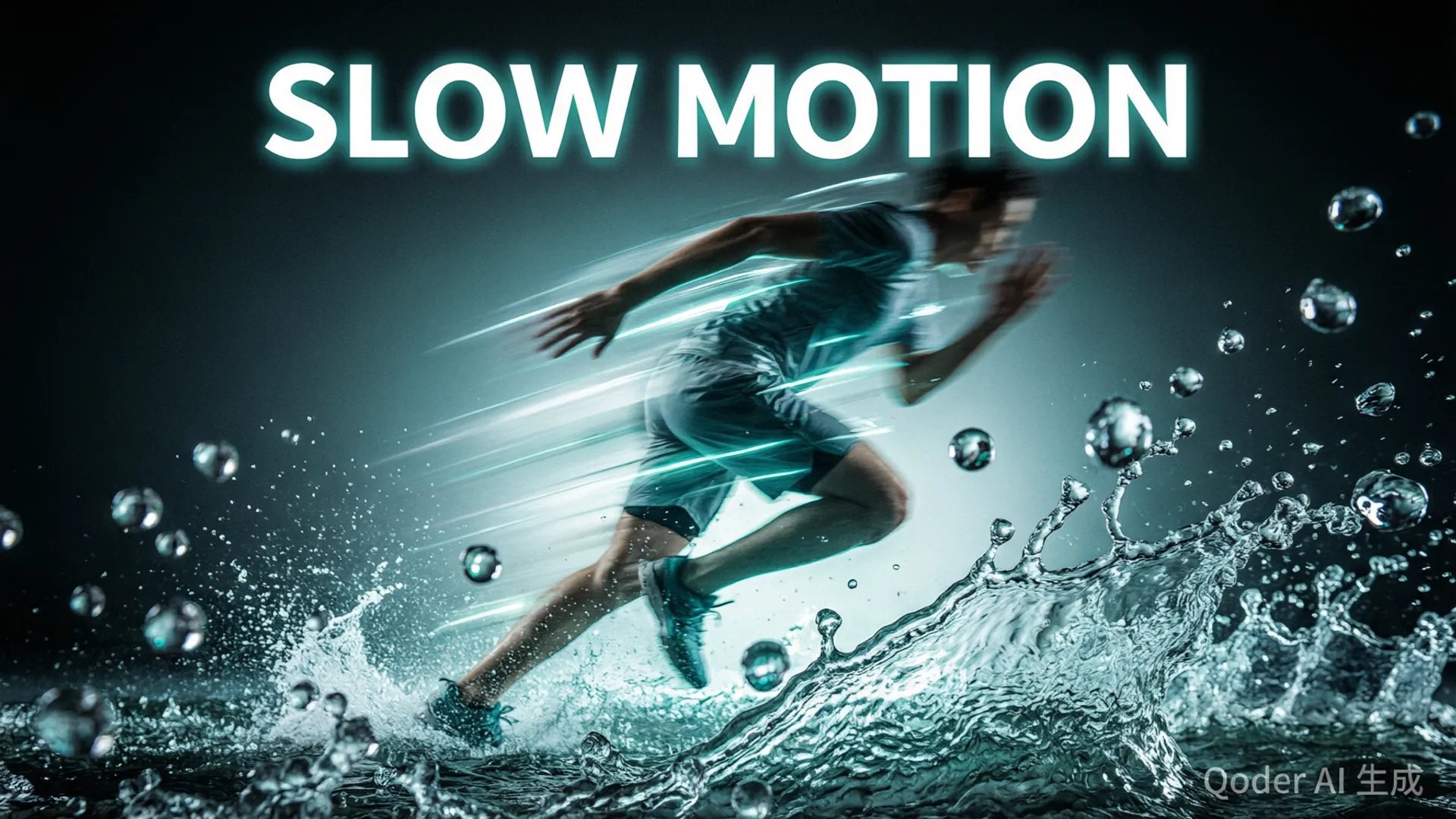
Water is the star. The water-splash prompt — a hand slapping a pool surface 'in slow motion, 240fps look' — produced individual droplets with correct trajectories, secondary splashes, and surface tension behavior that tracks real footage. Pouring coffee showed the characteristic high-speed-camera detail: the stream wobbles, the liquid curls on contact, and micro-droplets separate at the edges. This is the bucket where the model visibly separates from its competitors, which struggle with fluid behavior at slowed speeds.
Hair and fabric also passed consistently — hair movement during a dancer's spin showed the correct wave propagation (root to tip, slightly delayed), and fabric draping responded to motion with the right inertia. Action shots (tennis serve, skateboard trick) produced the expected suspended-moment compositions with believable mid-air posture. The runner clip had the one flaw in this bucket: foot strike contact detail was slightly soft, the kind of thing only an athlete would notice.

Speed Control: How Slow Is Slow?
Here's the honest limitation: there's no numeric speed control. You're working with prompt language, and the model's effective range is roughly 25-50% of real-time speed. The '240fps' reference reliably produces the strongest slow-motion look; 'slow motion' alone gives you a milder effect; 'very slow motion' or 'extreme slow motion' pushes past the model's competence and the output starts feeling floaty — motion loses weight, objects appear to drift.
My testing showed a clear relationship: prompts referencing specific high-speed-camera language (240fps, 1000fps, 'captured on a high-speed camera') produce more physically grounded results than 'extreme slow motion' phrasing. The sweet spot is 240fps-style language — strong effect with correct physics. If you need deeper slow motion than the model produces natively, generate at its maximum slow-mo intensity and do the final 1.5-2x slow-down in post; the generation quality holds up to that.
Where the Physics Still Break
The failure modes are specific and consistent. First: complex scenes. A crowd scene in slow motion — people walking, a car passing — broke coherence within 8 seconds: a pedestrian's leg motion desynced from their torso, and the car's wheels began rotating oddly. Slow motion works on single subjects; it fails on multi-element scenes. Second: fire and smoke. Slow-motion fire looked good for 3 seconds, then the flames began pulsing in a regular rhythm that reads as CG. Third: rain. A rain-in-slow-motion prompt produced beautiful individual drops — and then the drops started falling upward when the camera 'moved'. The model's understanding of relative motion breaks when both the subject and the environment are slowed.
Practical rule from the failures: keep slow-motion prompts to one main subject, avoid environments with independent motion (rain, crowds, traffic), and keep the camera static or moving gently. That constraint covers most commercial use cases — product, beauty, food, and single-athlete sports content all fit inside it.
The Post-Production Pipeline
My working pipeline for slow-motion deliverables: (1) generate at 30 seconds in the strongest slow-mo style, (2) pick the best 5-8 seconds — the model's slow-mo quality is consistent but the best moments concentrate mid-clip, (3) cut in a 1.5-2x additional slow-down using optical flow for the hero moment (native + optical flow beats either alone), (4) add subtle film grain and a slight contrast lift to sell the high-speed-camera aesthetic, (5) for sound design, add a whoosh or room tone — silent slow-mo footage reads as unfinished.
One more tip from testing: generation time for slow-motion prompts runs about 15% longer than standard prompts in Ultra mode — the physics simulation is heavier. Budget for it. And if you're building a broader commercial workflow, the VFX post-production workflow covers the integration side, or the camera movement guide if you want the slow motion paired with proper camera language.

Verdict
Seedance 2.5 is the first AI video model where I'd confidently pitch slow motion to a client: 26 of 30 prompts produced usable slow-motion footage, with water and single-subject action scenes being genuinely indistinguishable from real high-speed capture in quick cuts. The physics accuracy at slow speeds — droplets, fabric, hair — is the differentiator.
The boundaries are clear: single subject, static camera, 240fps-style language, and a 25-50% speed range. Stay inside them and slow motion is a solved problem on Seedance 2.5; push outside and you get floaty, synthetic-looking footage. For the full platform picture including all the other 2.5 features, the masterclass is the complete reference.
Frequently Asked Questions
Can Seedance 2.5 generate slow motion video?
Yes — with the right prompt patterns it produces convincing slow-motion clips. The effective range is roughly 25-50% of real-time speed; beyond that, the model compensates with motion that looks floaty rather than physically slowed.
What's the best prompt for slow motion in Seedance?
The pattern that works: describe the moment plus 'captured in slow motion, 240fps high-speed camera look, every droplet visible, cinematic motion blur'. The 240fps reference consistently triggers the right visual language.
Does Seedance slow motion have motion blur?
Yes, and it's one of the strong points — the model generates believable motion blur consistent with the slowed speed. Water splashes and fast-moving objects get the characteristic blurred-leading-edge look of real high-speed footage.
Can I slow down normal Seedance footage in post instead?
You can, using optical-flow interpolation (e.g., Topaz or Twixtor), but the results are softer than native slow-motion generation. Native generation also handles the physics better — particles, spray, and fabric respond correctly to the slowed timeline.
Our Top Pick
Seedance 2.5
9.2/10ByteDance's flagship video generation model — 30-second native video, 50 multimodal references, and up to 4K output. The best overall quality we've tested.
- 30-second continuous video
- 4K resolution output
- 50 multimodal references
- Audio-visual sync
- Character consistency
- Motion brush control
Get Weekly AI Video Tips
Join 500+ creators getting the latest AI video tool reviews, tutorials, and exclusive tips every Friday.
No spam. Unsubscribe anytime. We respect your privacy.