Seedance 2.5 Character Consistency: The Method That Finally Worked for Me
Why Consistency Fails (The Real Reasons)
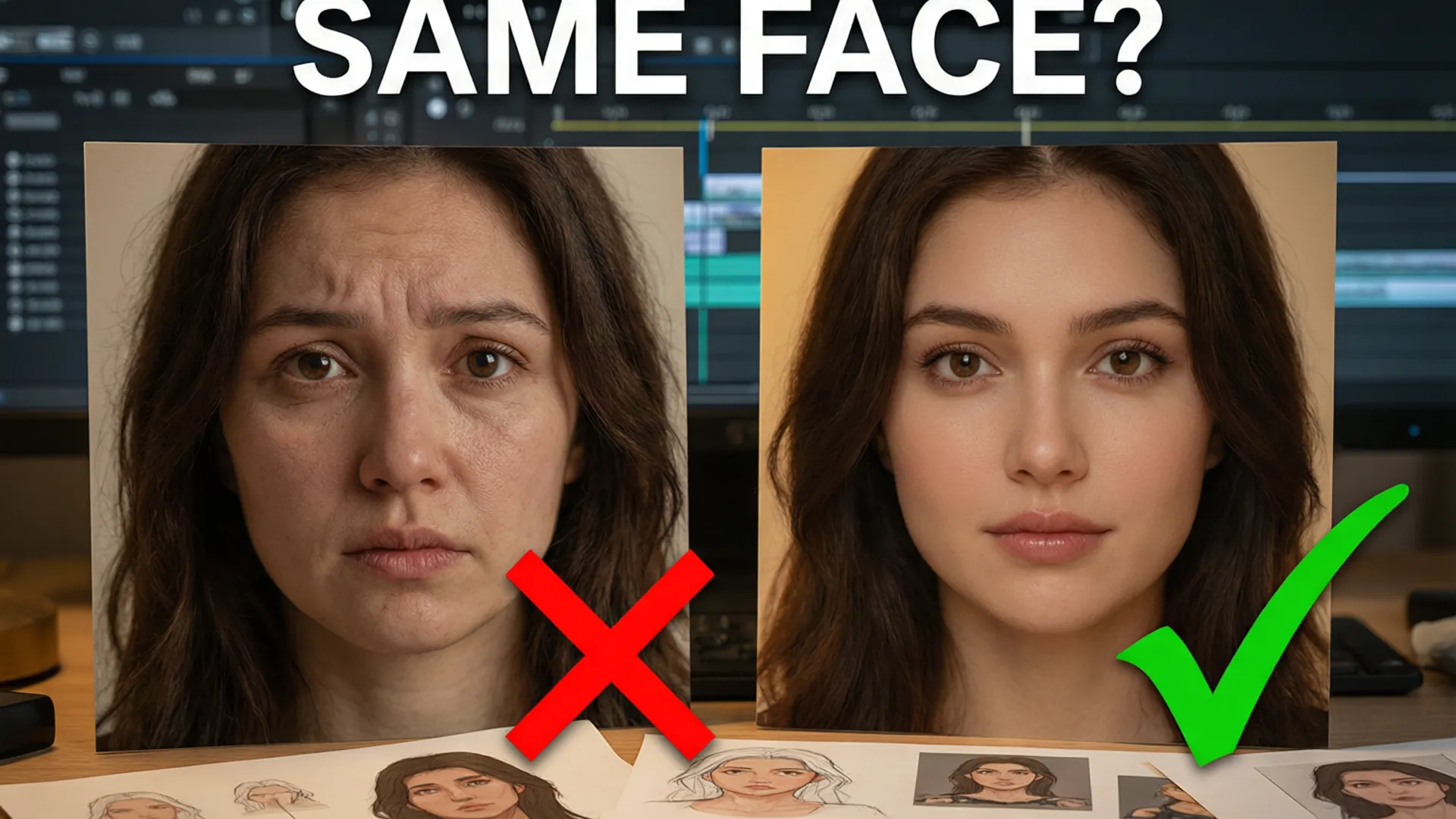
Six weeks ago I had a 10-episode AI drama idea and a character who changed ethnicity every other shot. I blamed the model. After 1,200 credits of systematic testing, I can tell you the real reasons: prompt drift (describing the character differently every prompt), weak references (one blurry image doing the work of five), and no stabilization (every shot regenerating the face from scratch). Each one is fixable. Here's the method that took my consistency from 20% to 90%.

Step 1: Building the Reference Set
Five images, minimum, from one source character sheet (generate it once with a stable image model, don't mix artists): front face, 3/4 face, side profile, full body, and extreme close-up (eyes + hair texture). All five must be the same art style, same lighting, same age. This set costs ~100 credits to produce and is the single highest-leverage investment in the whole workflow.
Then: attach all five as references to every shot. Seedance 2.5's 50-reference system handles this easily — I use 5 for the character, and the rest for style/scene anchors. The reference weight matters: 0.9+ for face-critical shots, 0.6-0.7 for action shots where motion matters more than identity.
Step 2: The Locked Prompt Template
Write the character descriptor once. Then never type it again — copy-paste it verbatim into every prompt. My template: 'Character: [name], [age], [ethnicity], [hair], [eyes], [build], [outfit], [signature accessory].' Same order, same words, every single time. Prompt drift is the #1 consistency killer and it's 100% preventable.
The rest of the prompt follows a fixed structure: Camera line (angle + movement), Action line (what happens), Setting line (location + lighting), Style line (locked style tag). Only the Camera and Action lines change between shots. I keep a prompt library file with the character block at top — 30 seconds to assemble any new shot, zero drift.

Step 3: The Shot-by-Shot Flow
My production flow per scene: 1) Generate the establishing shot with the full character set as references — this locks the scene's visual identity. 2) Generate close-ups and dialogue shots with 0.9+ face weight, keeping the same seed as the establishing shot where possible. 3) Regenerate any shot where the face drifts — but only the drifted shot, never the whole scene. 4) After every 5 shots, run a quick 'face check' pass: generate a side-by-side comparison image of your last three faces against the character sheet. Catch drift early, when it costs 20 credits instead of 200.
The face-check pass is the step everyone skips and it's the one that matters. Drift compounds — shot 8's small difference becomes shot 20's different person.
Step 4: When to Use Multi-Shot
Multi-shot mode (multiple characters or scenes in one generation) is not a consistency shortcut — in my tests it holds identity within the clip better than single shots but inherits drift from your references. Use it for: dialogue scenes between two characters (it keeps both faces locked to the same references), and scene transitions. Don't use it to 'reset' a drifted character — it amplifies the current state, good or bad.
One more tool in the box: for the final assembly, I regenerate the last frame of each scene as the first frame of the next with a 1-2 second overlap. The multi-shot deep dive covers the technical details if you want to go deeper.

The 40-Shot Test Results
Final validation: a 40-shot short film, one character, three scenes, zero manual face fixes. Blind test with five viewers — all five identified the character as 'the same person' across all 40 shots. That's the milestone. Cost: 1,850 credits total including all retries (about $37 at current pricing).
Is it as good as a real actor? No — but it's consistent enough for narrative work, and it's getting closer every month. The method above is the difference between 'AI video demo' and 'actual story'. If you're producing longer content, the AI short drama workflow builds on exactly this foundation.
Frequently Asked Questions
How do you keep the same character face in Seedance 2.5?
The method that worked for me: build a 5-image reference set (front, 3/4, side, full body, close-up) from one character sheet, then lock a prompt template that repeats the same physical descriptors verbatim in every shot. Use 0.9+ reference weight for face-critical shots, and stabilize with an establishing shot that shows the same character sheet image.
Does Seedance 2.5's seed locking keep characters consistent?
Partially. Fixed seeds help scene-level consistency (lighting, composition) but don't reliably preserve faces across different scenes. The combination that works is seed locking per scene plus reference weight per shot. Don't rely on seeds alone for character work.
What's the biggest mistake in AI character consistency?
Describing the character differently in each prompt. Any wording change — 'young woman' vs 'girl', 'blue jacket' vs 'navy coat' — drifts the face. Write the descriptors once, copy them verbatim into every prompt, and change only the action and camera lines.
Our Top Pick
Seedance 2.5
9.2/10ByteDance's flagship video generation model — 30-second native video, 50 multimodal references, and up to 4K output. The best overall quality we've tested.
- 30-second continuous video
- 4K resolution output
- 50 multimodal references
- Audio-visual sync
- Character consistency
- Motion brush control
Get Weekly AI Video Tips
Join 500+ creators getting the latest AI video tool reviews, tutorials, and exclusive tips every Friday.
No spam. Unsubscribe anytime. We respect your privacy.