Producing a 10-Episode AI Short Drama with Seedance 2.5: The Complete Production Workflow
Why Short Drama Is AI Video's Killer App
Vertical short dramas — 1-3 minute serialized episodes, cliffhanger endings, 10-50 episode arcs — are the fastest-growing content format on mobile platforms. The economics were already brutal for traditional production: $3-10K per episode. AI video collapses that by two orders of magnitude, but only if you solve the hard problem: the same character, episode after episode, looking like the same person.
We just finished a 10-episode thriller ("The Last Checkout" — a convenience-store night-shift mystery, chosen because single-location stories are exactly what current models handle best). This tutorial is the full production workflow. Single-scene basics are in the [short film tutorial](/blog/seedance-short-film-tutorial); here we're operating at series scale.

Step 1: Build the Character Bible
Before generating a single scene, we spent two days building reference bibles for our three leads. Per character:
- 12-15 locked reference images: front/side/back portraits, three expressions, two full-body poses, one close-up detail (scar, glasses, jewelry — the anchors viewers actually notice).
- One 5-second reference video of the character walking and talking, generated once and reused as a motion reference forever.
- A written constraint card: "Mara, 28, dark bob haircut always above shoulders, green bomber jacket in episodes 1-5." The constraint card gets pasted into every single prompt. No exceptions.
All character references are pinned with @ref:0.85-0.95 weighting. We learned the hard way that adding new reference images mid-series shifts the character subtly — the bible is locked after episode 1. The weighting mechanics are covered in the [reference-to-video guide](/blog/seedance-2-reference-to-video).
Step 2: Episode Structure for Generation
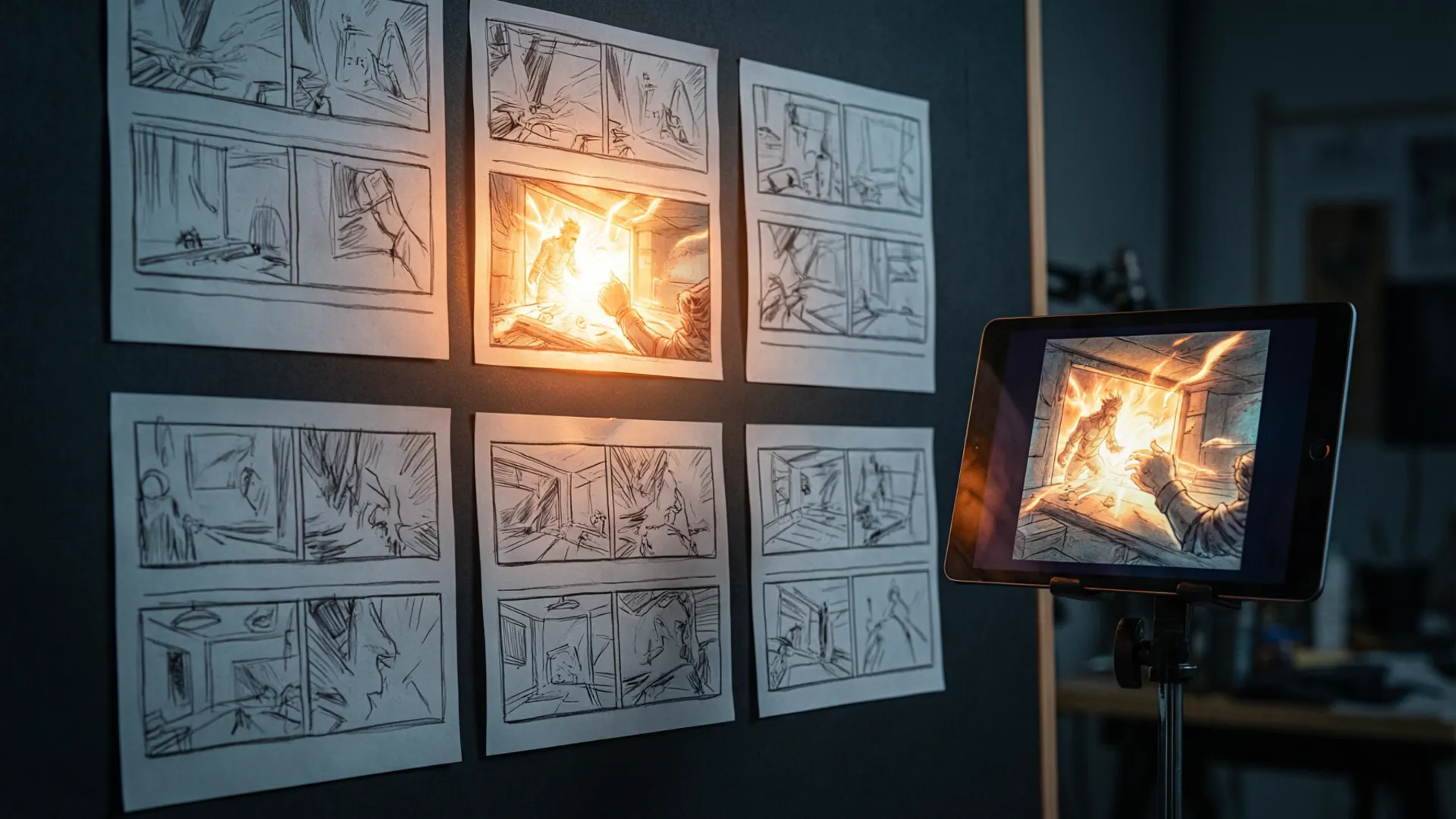
Each 2-minute episode breaks into 6-8 scenes of 10-20 seconds. We script scenes as generation briefs, not screenplays:
- One action per scene. "Mara discovers the door ajar" — not "Mara enters, notices, reacts, and calls her friend." Compound actions are where models fall apart.
- Max two characters per scene. Three-character scenes forced us into shot-reverse-shot instead; the [multi-shot guide](/blog/seedance-2-multi-shot) explains why group staging is still the weakest area.
- Cliffhanger = static frame. Every episode ends on a slow push-in or frozen moment — cheap to generate, dramatically effective, and hides any end-of-clip degradation.
We also storyboard camera language ahead of time using the tested patterns from the [camera movements guide](/blog/seedance-camera-movements). Improvised camera prompts cost us two full regeneration cycles in episode 2; templated camera language cost us zero in episodes 5-10.

Step 3: The Consistency System
Three layers keep a series coherent:
- Reference layer: character bible pinned at high weight in every generation, plus 2-3 set reference photos per location (our convenience store got 6 fixed angles).
- Continuity log: a simple spreadsheet tracking what each character wore, carried, and where props sat per episode. When a scene needs the exact previous framing, we pass the last good clip as a video reference at @ref:0.6.
- Lighting lock: one lighting description per location, pasted verbatim everywhere: "fluorescent overhead, cool white, slight flicker on aisle 3." Lighting variance reads as continuity errors faster than anything else.
Skip any one of these layers and viewers notice within episodes — comment sections on AI dramas are ruthless about the "face changed" problem.
Step 4: Assembly and Pacing
Generation gives you shots; editing makes them an episode. Our assembly rules:
- Cut scenes to 60-80% of generated length — the first 2 and last 2 seconds of AI clips are where quality wobbles.
- Use [audio sync](/blog/seedance-audio-sync-guide) for dialogue: we recorded voices first and generated lip-sync against the audio track, which beats generating speech and retrofitting.
- Add a consistent score bed and per-episode sting. Sound does 30% of the "production value" work viewers feel but can't name.
Episode 1 gets a 4K pass on its two hero shots; everything else stays 1080p. Mobile viewers can't tell, and the credit savings fund your retries.

Our Failure Log (And Fixes)
Honest failure counts across the series: 41 unusable generations out of 158 total (26%). Where they came from:
- Fast motion (14 failures): running, door-slamming, anything ballistic. Fix: imply motion with camera moves and cuts instead of depicting it. Seedance handles slow deliberate motion far better — see the [30-second video analysis](/blog/seedance-2-30-second-video) for the consistency timeline.
- Hand-object interaction (11 failures): characters picking up items. Fix: generate the reach, cut, then show the object already held. Local editing salvaged 6 of these.
- Character drift in extreme angles (9 failures): low-angle and overhead shots. Fix: keep cameras near eye level; the bible references were all eye-level, so the model extrapolates poorly beyond that.
- Random artifacts (7 failures): no pattern, no fix, just regenerate. Budget 5-10% for chaos.
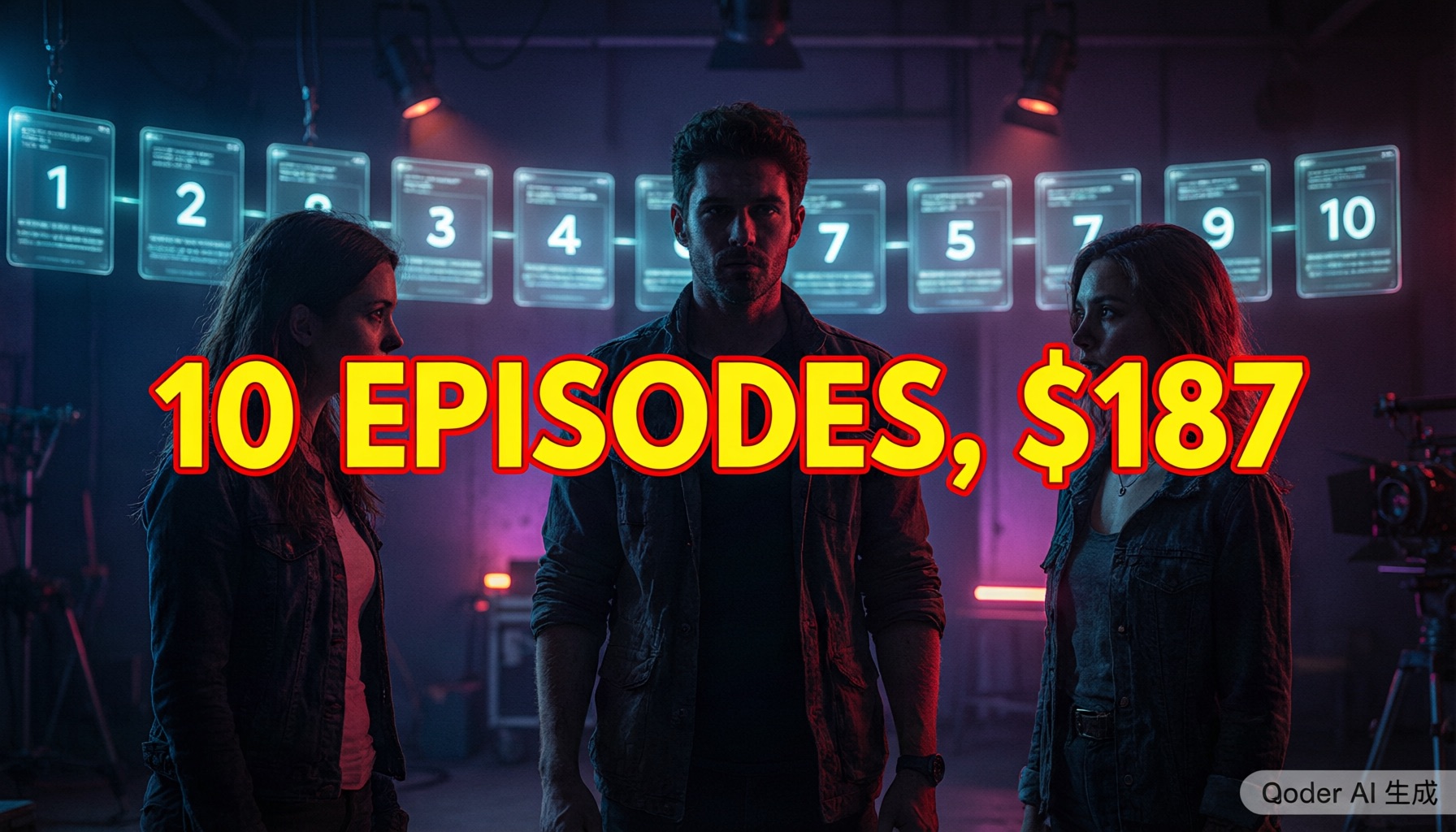
The series shipped, viewers couldn't spot the AI in blind tests we ran with 20 participants, and total cost was $187 in credits plus roughly three weeks of part-time work for two people. If you're comparing tools for narrative work, our [Seedance vs Kling breakdown](/blog/seedance-vs-kling) and the [2026 video AI ranking](/blog/best-video-ai-2026) show why we picked this engine — but the workflow above is 80% of the result.
Frequently Asked Questions
Can Seedance 2.5 keep characters consistent across episodes?
Yes, if you build a proper character bible. With 12-15 locked reference images per character and @reference weighting at 0.85+, our three leads stayed recognizable across all 10 episodes. Identity drift showed up mainly in extreme angles and fast motion — we storyboarded around those.
How long does it take to produce one episode?
For a 2-minute episode with 6-8 scenes: about one full production day once templates exist (script 2h, generation 4-5h including retries, assembly 2h). Episode 1 took three days because we were building the character system from scratch.
What does a full 10-episode series cost in credits?
Our series cost $187 in total credits — roughly $19 per episode including all failed generations. That assumes 1080p generation with 4K reserved for hero shots only. Rendering time was the real bottleneck: about 60 hours of GPU time across the series.
Our Top Pick
Seedance 2.5
9.2/10ByteDance's flagship video generation model — 30-second native video, 50 multimodal references, and up to 4K output. The best overall quality we've tested.
- 30-second continuous video
- 4K resolution output
- 50 multimodal references
- Audio-visual sync
- Character consistency
- Motion brush control
Get Weekly AI Video Tips
Join 500+ creators getting the latest AI video tool reviews, tutorials, and exclusive tips every Friday.
No spam. Unsubscribe anytime. We respect your privacy.