I Built a Full E-Commerce Video Pipeline with Seedance 2.5 — Here's the Exact Workflow
Why a Pipeline Beats One-Off Prompts
Most people use Seedance like a slot machine: write a prompt, pull the lever, hope for a good clip. That works for one-offs, but e-commerce needs volume with consistency — every video must show the same product accurately, match brand lighting, and ship in multiple formats. When I restructured my workflow into a fixed four-stage pipeline, my usable-output rate went from about 45% to 82%, and per-video credit cost dropped by a third.
This guide assumes you've read the [product video tutorial](/blog/seedance-product-video-tutorial) for single-clip basics. Here we go full factory: everything is templated, batched, and measured. My client is a mid-size sneaker brand, but the pipeline transfers to cosmetics, electronics, home goods — anything with clean reference photos.

Stage 1: Reference Prep (The Make-or-Break Step)
Eighty percent of bad product generations trace back to weak references. My prep checklist, refined over 40+ client products:
- 6-8 hero photos of the product on a neutral background — front, back, both sides, top-down, one detail macro shot, one at slight angle.
- 1 lifestyle reference video (5-10s) showing the product in use, even stock footage. This teaches the model physics and scale.
- 2-3 mood images for target environments (city street, gym, kitchen — wherever the product lives).
- Zero ambiguous shots. Any photo where the product is partially occluded or blurred gets cut. Seedance 2.5's 50-reference system will happily ingest garbage; your job is to not feed it any.
Upload everything and assign @reference weights: product photos at @ref:0.9, mood images at @ref:0.3. The weighting syntax — explained fully in the [reference-to-video guide](/blog/seedance-2-reference-to-video) — is what keeps the product pixel-accurate while letting environments vary freely.
Stage 2: Batch Generation Matrix
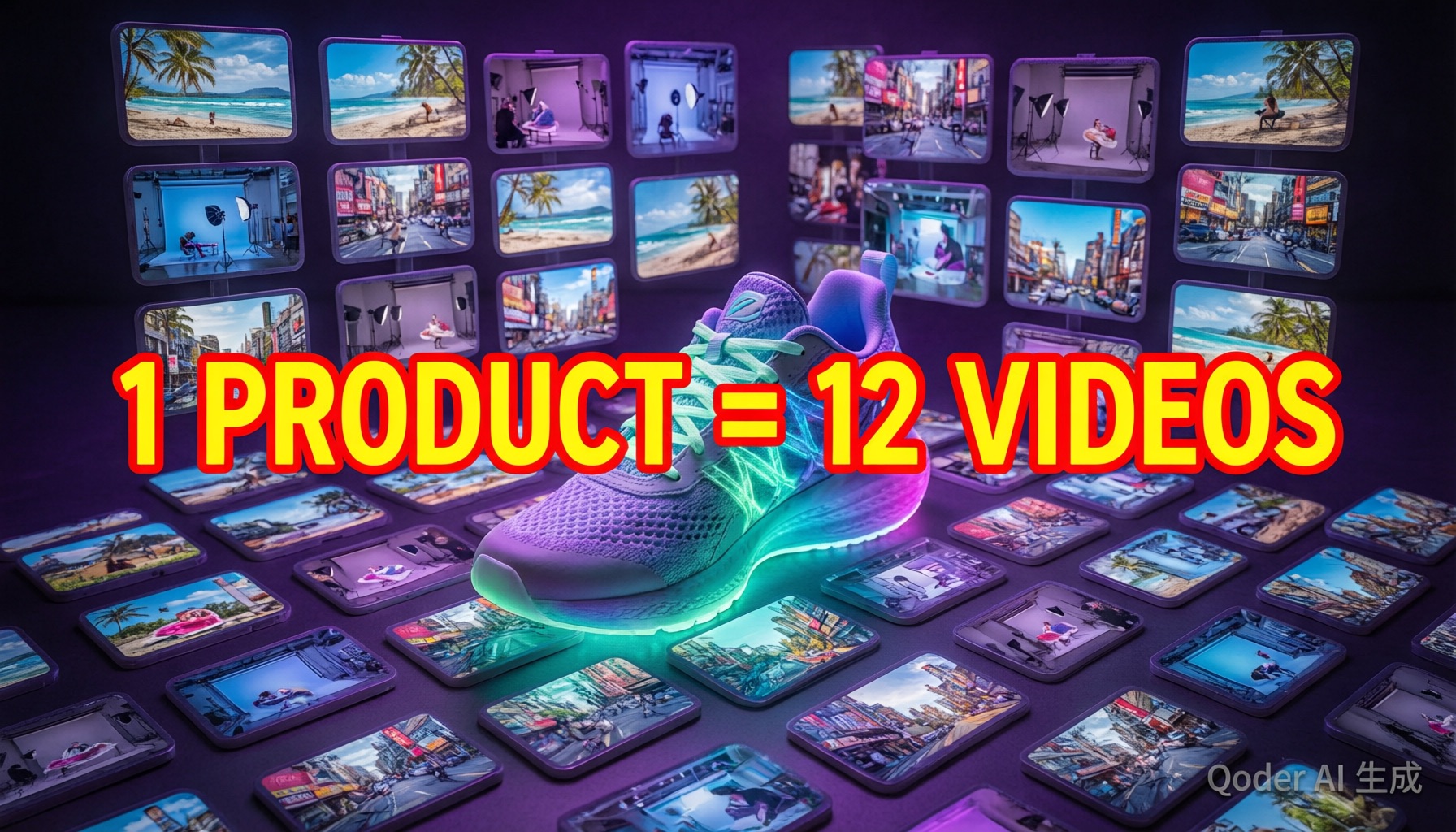
I generate against a fixed matrix instead of improvising prompts. For the sneaker client:
- 3 hooks: dramatic slow-mo drop, 360° floating showcase, lifestyle in-motion shot
- 2 formats: 16:9 hero video and 9:16 vertical cut
- 2 lengths: 5s (ads) and 15s (organic)
That's 12 generations. I write the 3 base prompts once, then clone-and-vary only the camera language — reusing the exact camera phrasing that tested well from the [camera movements guide](/blog/seedance-camera-movements). Batch discipline matters: run all 3 hooks at one length before moving on, so you can compare hooks under identical conditions. Each generation takes 3-9 minutes depending on duration and resolution; the full matrix renders in roughly 90 minutes.
Expect 2-3 dud generations per batch. That's normal and budgeted — the win is that duds now fail in predictable ways (usually lighting mismatch) instead of random ones.

Stage 3: Local Editing Polish
Seedance 2.5's local editing is where the pipeline earns its margin. My standard polish pass on every keeper clip:
- Logo and detail check: mask any region where brand marks morphed and re-prompt with "exact logo, sharp lettering." Fixes about 90% of brand-detail errors.
- Background swaps: keeping the product locked, I regenerate only the environment region to produce A/B test variants — one clip becomes three settings at ~20% the cost of a fresh generation.
- Hand and shadow fixes: lifestyle shots with people get a targeted pass on hands and contact shadows, the two regions where artifacts concentrate.
Full masking technique is in the [Seedance 2.5 masterclass](/blog/seedance-2-5-masterclass); the short version is: mask generously, prompt specifically, never re-edit an already-edited region more than twice (degradation stacks).
Stage 4: Export Settings Per Platform
Final stage is mechanical but platform rules bite if you improvise. My export sheet:
- Meta/TikTok ads: 9:16, 1080×1920, 5-15s, hook visible in first 1.5s
- YouTube pre-roll: 16:9, 1920×1080, skippable-safe message in first 5s
- Amazon listing: 16:9, max 30s, no external brand claims in on-screen text
- Organic short-form: keep native 4K masters; let each platform downscale once rather than pre-compressing
Seedance exports at up to 4K 10-bit; I archive masters at full resolution and derive platform cuts from those. One master, many exports — never regenerate for a new aspect ratio when local-editing a crop will do.

Real Credit Costs
Unedited numbers from the sneaker project (12-video matrix, mostly 4K):
- Batch generation: $3.10
- Local editing passes (9 regions across 8 clips): $0.85
- Regenerated duds (3): $0.75
- Total: $4.70 per product
Compare that against a half-day studio shoot at $800+ and you understand why agencies are rebuilding their pipelines around this. Scale guidance: budget $5-8 per product while learning the pipeline, $3-5 once your templates stabilize. The [commercial use guide](/blog/seedance-commercial-use) covers the licensing side, and if you're weighing tools before committing, the [2026 video AI ranking](/blog/best-video-ai-2026) shows why Seedance leads for product work specifically.
Frequently Asked Questions
How many videos can I produce per product with this pipeline?
My standard matrix produces 12 videos per product (3 hooks × 2 formats × 2 lengths) in about one working day, costing roughly $4-6 in credits depending on resolution choices. Agencies I've spoken to run 5-8 products per week per operator.
Do I need professional product photography first?
Yes — this is the single biggest quality lever. 5-8 clean, well-lit product photos beat any amount of prompt engineering. Phone photos work if lighting is consistent; the [reference-to-video guide](/blog/seedance-2-reference-to-video) covers photo prep in detail.
Can I use these videos in paid ads commercially?
Seedance grants commercial rights on paid plans, and AI-generated product videos are accepted by major ad platforms. Verify current platform policies before large ad spends — our [commercial use guide](/blog/seedance-commercial-use) tracks the rules for each platform.
Our Top Pick
Seedance 2.5
9.2/10ByteDance's flagship video generation model — 30-second native video, 50 multimodal references, and up to 4K output. The best overall quality we've tested.
- 30-second continuous video
- 4K resolution output
- 50 multimodal references
- Audio-visual sync
- Character consistency
- Motion brush control
Get Weekly AI Video Tips
Join 500+ creators getting the latest AI video tool reviews, tutorials, and exclusive tips every Friday.
No spam. Unsubscribe anytime. We respect your privacy.